Video 2 of 4 · 2 min 25 Smart charging Managing a site area and reading the charging plans.
Option to activate on your Chargekeeper space.
The video is narrated in French, with English subtitles. Clara, our virtual trainer, and her voice are AI-generated; the data shown is fictitious.
Mark as watched Saved on this device only. ← Previous video Limiting the power of an area or a station Next video → Energy assets Transcript Click a paragraph to play the video from there.
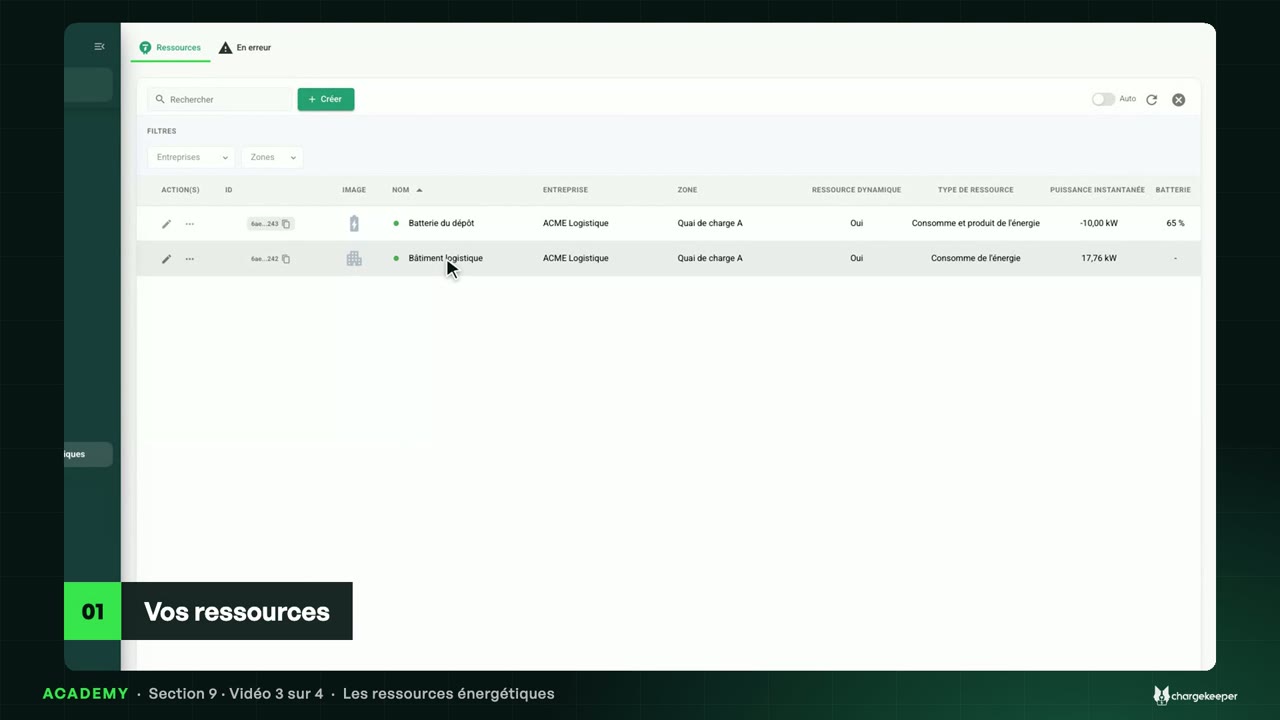
Introduction 0:06 Hello! Smart charging shares a site area's power between the plugged-in vehicles, without ever exceeding its limit. Let's see how it works. Choosing a strategy 0:16 Open the “Quai de charge A” site area, “Smart charging” tab. This feature is an option of your Chargekeeper workspace. A switch turns it on for the site area. 0:28 Then choose the strategy. Fair distribution: each vehicle gets the same share. Priority vehicles: priority one vehicles go first, the rest is shared among the others. 0:42 Less charged vehicles first: the emptiest batteries first. Finally, driven by Dreev follows the energy price on the market. 0:51 In “Options”, per-phase balancing also caps the current of each phase: no phase trips. The live distribution 1:03 Just below, the site area's meter, live: ninety kilowatts consumed, for a limit of ninety. 1:11 Eight vehicles are charging. Each one gets about eleven kilowatts: the platform shares the limit equally. 1:20 The platform sends these limits to the stations itself, as charging plans, and recomputes them at every arrival and every departure. The site area's consumption 1:29 The “Consumption curves” tab plots the site area's consumption through the day, with its limit in red. 1:36 Here, the vehicles arrive one by one. The curve rises, then levels off under the limit, even with eight vehicles. Key takeaways 1:52 Key takeaways: smart charging enforces the site area's limit. Choose your strategy, follow the distribution live, and check the consumption curve. 2:04 In the next video: your energy resources.