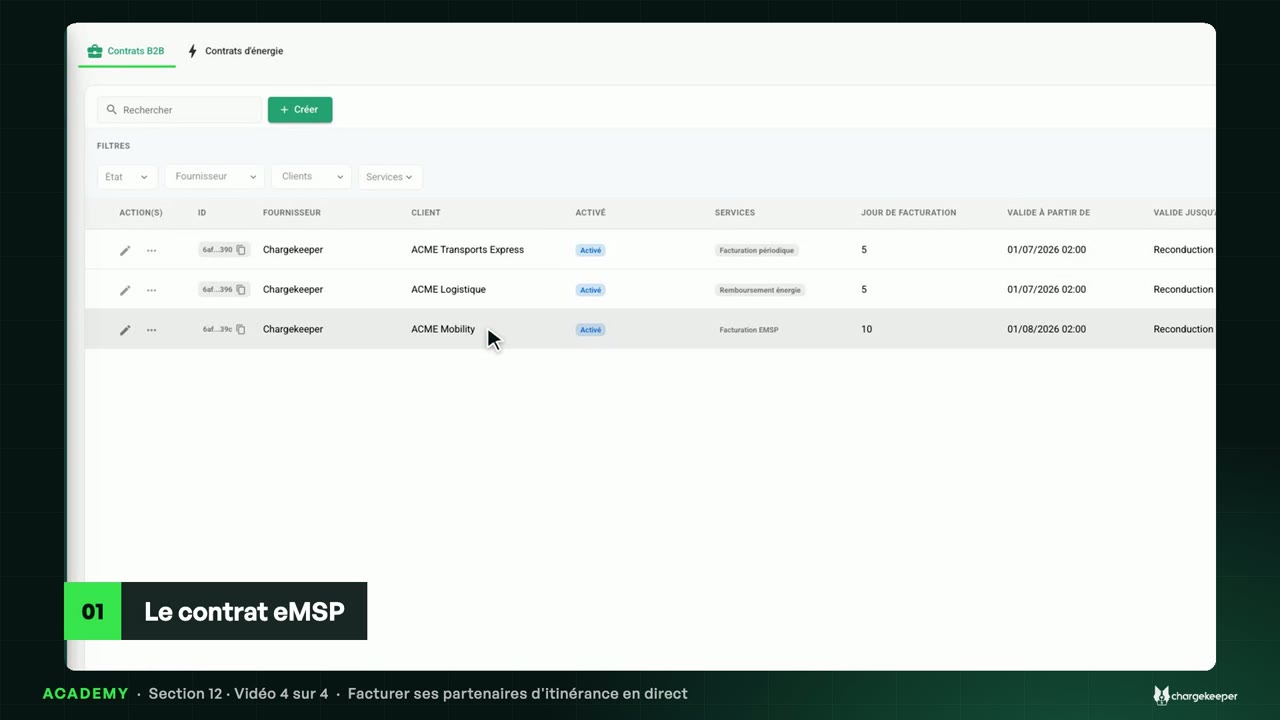
Last month's invoice created on the billing day, the draft and its finalisation, the PDF, sending and the credit note.
Option to activate on your Chargekeeper space.
Transcript Click a paragraph to play the video from there.
Introduction 0:06 Hello! The contract is in place. Let’s see what it produces every month: its invoices, their statuses and its credit notes. Every month 0:14 On the billing day, here the 5th, Chargekeeper creates the previous month’s invoice: on 5 November, October’s. It groups the charging of the customer’s badges and drivers; a session already invoiced on its own is never included again. The contract's invoices 0:30 In the “Invoices” menu, the “Customer type” filter set to “Business” isolates company invoices: the supplier, the customer, the billing date, the due date and the amounts. 0:43 The August and September invoices are paid. October’s is waiting as a draft: its number starts with “DRAFT”, a provisional number. 0:53 Its menu lets you check it, then update its status: when it is finalised, it receives its final number, the next one in the series. While it is a draft, it can also be deleted. The invoice 1:06 Here is September’s invoice: its number, the period, the issue and due dates, the number of charges and the energy, the summary, and the bank details for the transfer. 1:19 Once finalised, “Send the document to the customer” e-mails it to the contract’s recipients. Credit notes 1:26 ACME Logistique’s contract, for its part, produces credit notes: the company hosts charging stations, and every month a credit note refunds it the energy they delivered, at the kWh price set in the contract. On demand 1:40 Need a document outside the schedule? In the contract’s menu, “Create an invoice/credit note”: choose a month and the document type, and it covers the month before. Key takeaways 1:55 Remember: on the billing day, the contract creates the previous month’s invoice; a draft receives its final number when it is finalised; and the credit note refunds the customer the energy of its stations. 2:09 Next video: invoicing your roaming partners directly.